Ever feel like your phone has become a digital prison? Constantly buzzing, beeping, and demanding your attention? You’re not alone. In 2026, the average person spends over four hours a day on their mobile device.
That’s a huge chunk of your life – time that could be spent on hobbies, work, relationships, or just relaxing. This guide will help you understand why your phone is a time-sucking vortex and, more importantly, how to break free.
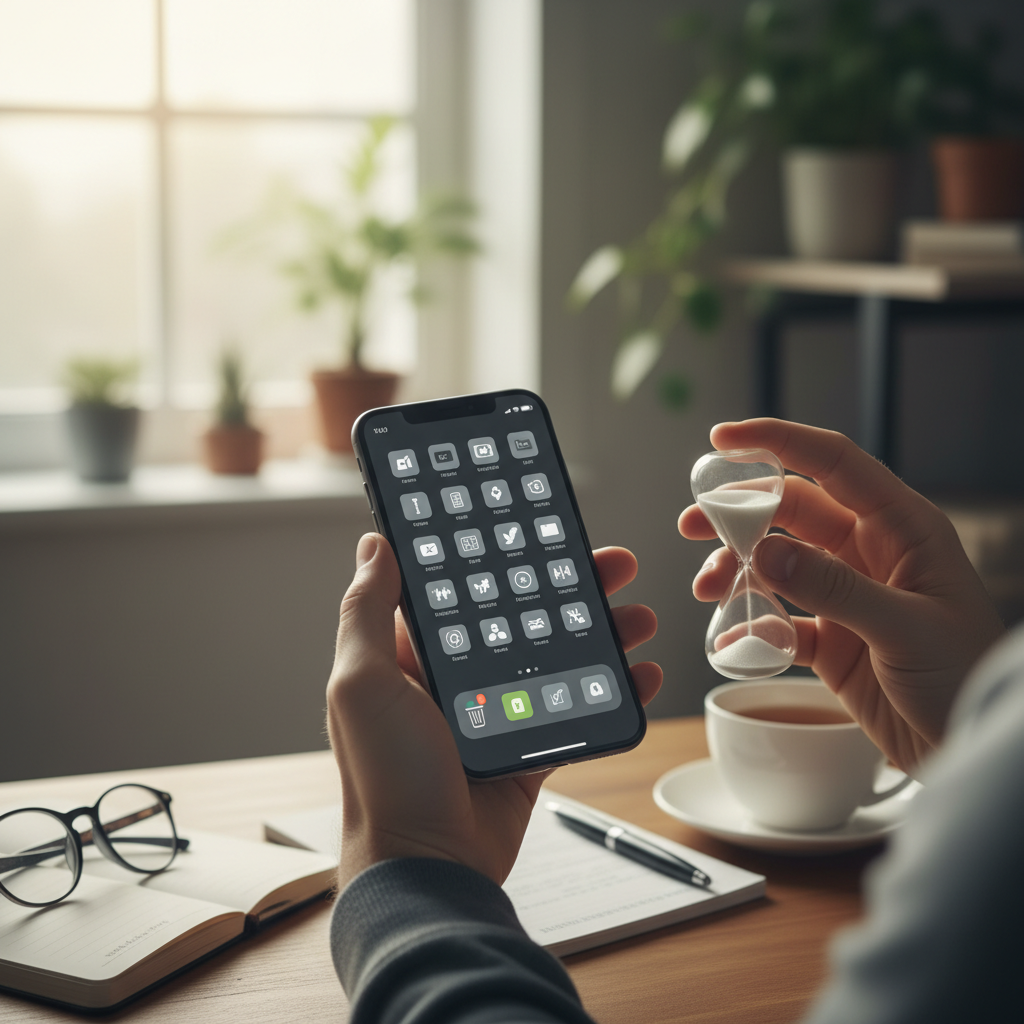 The core problem isn’t just “too many apps.” It’s the way these apps are designed to manipulate your brain. Let’s be honest: they’re crafted to be addictive. Think about it: every notification, every “like,” every endless scroll is a tiny hit of dopamine, the “feel-good” neurotransmitter. Our brains are wired to crave this feeling, and app developers know this. They use it to their advantage, creating a cycle of constant engagement.
Here’s the problem in a nutshell:
- Constant Notifications: Each ping, buzz, and flash is a mini-interruption, pulling you away from what you’re doing.
- Infinite Scroll: Social media feeds and news apps never really “end.” They’re designed to keep you scrolling, consuming, and wasting time.
- App Variety: The sheer number of apps available encourages switching between different apps, making it hard to focus.
- FOMO (Fear Of Missing Out): Apps are designed to trigger your FOMO. This fear will keep you coming back for more, just in case you miss something.
Common Mistakes and Misconceptions
Before diving into solutions, let’s address some common misconceptions about phone usage:
- “I can control it.” Many people believe they have willpower, but the constant stream of notifications can chip away at it.
- “I need all these apps.” Often, you don’t. Many apps are used out of habit, not necessity.
- “It’s just a few minutes here and there.” Those minutes add up fast. They can easily turn into hours.
Step-by-Step Solutions: Reclaiming Your Time
Fixing app overload isn’t about throwing your phone away. It’s about taking back control. Here’s a practical, step-by-step approach:
Step 1: The App Audit – Identify Your Time Wasters
The first step is to get honest with yourself. Open your phone and note down which apps are stealing the most time. Most smartphones have built-in screen time trackers. Check these to see where your time is really going. Consider the following questions:
- Which apps do you use the most?
- When are you using these apps? (e.g., first thing in the morning, before bed, during work hours)
- What are you doing in these apps? (e.g., mindlessly scrolling, actually being productive)
This information is crucial for making informed decisions.
Step 2: Notification Management – Silence the Noise
Notifications are the enemy. They interrupt your focus, pull you into apps, and feed the addiction cycle. Here’s how to manage them:
- Turn off unnecessary notifications: Go through your app settings and disable notifications for anything that’s not essential. Do you *really* need a notification every time someone likes your post? Probably not.
- Schedule notification checks: Instead of reacting to every buzz, set specific times to check your notifications. This gives you back control.
- Use “Do Not Disturb” mode: This feature is your best friend. Schedule it during work hours, meal times, or anytime you need uninterrupted focus.
Step 3: App Purge – Less is More
Once you know which apps are time-wasters, it’s time to declutter. Be ruthless. Ask yourself: “Do I *need* this app, or am I just used to having it?”
- Delete unused apps: Seriously. Get rid of anything you haven’t used in the past month.
- Consolidate functions: Can you use one app to do the same thing as two or three? For example, instead of separate news apps, use a news aggregator.
- Move tempting apps: Put distracting apps on a different home screen, out of sight and out of mind. Or, if available, hide them altogether.
Step 4: Set Time Limits – Practice Moderation
For apps you *do* need, set time limits. Most phones have built-in features that let you do this. For example, if you use a social media app for work, but find yourself scrolling for hours, set a daily limit. Once you hit that limit, the app will lock you out.
Step 5: Create Tech-Free Zones – Establish Boundaries
Make certain areas of your life phone-free. This could include your bedroom (especially before bed), the dinner table, or during focused work time. Physical separation is a powerful way to break the habit of constant checking.
Step 6: Replace Habits – Find Alternatives
Breaking a habit is easier when you replace it with a new one. When you feel the urge to check your phone, try these alternatives:
- Read a book (physical books are best).
- Go for a walk.
- Meditate or practice mindfulness.
- Talk to a friend or family member.
- Work on a hobby.
These activities give you a break from the digital world and helps your brain reset.
Step 7: Monitor and Adapt – Ongoing Maintenance
This is not a one-time fix. Regularly review your app usage, adjust your settings, and adapt your strategies. Digital habits are always evolving, so your approach needs to be dynamic. The goal is long-term control, not a quick fix.
Advanced Tactics: Leveling Up Your Digital Detox
Once you’ve mastered the basics, consider these advanced strategies:
- Use website blockers: If you find yourself mindlessly browsing on your phone’s browser, use a website blocker to restrict access to distracting sites.
- Install a time-tracking app: These apps provide detailed insights into your app usage and can help you identify hidden time-wasters.
- Consider a “dumb phone” or a secondary phone: For extreme cases, a simple phone with limited capabilities can be a powerful tool.
- Join a digital detox challenge: Having support from a group can make it easier to stay committed.
Expected Results and Time to Fix
The time it takes to see results varies depending on your phone usage. However, most people experience a significant improvement in the first week. Here’s what you can expect:
- Reduced screen time: You should see a noticeable decrease in your daily phone usage.
- Increased focus and productivity: With fewer distractions, you’ll be able to concentrate on tasks more easily.
- Improved mood and reduced stress: Breaking free from the constant stimulation of your phone can have a positive impact on your mental well-being.
- More free time: You’ll have more time for activities you enjoy.
The initial setup (app audit, notification management, etc.) may take a couple of hours. The ongoing process requires consistent effort, but the rewards are well worth it.
Preventing Future App Overload
To avoid falling back into old habits, follow these tips:
- Be mindful of new app installations: Before downloading an app, ask yourself if you *really* need it.
- Review your notification settings regularly: App developers often change default settings.
- Stay aware of your triggers: Recognize the situations or emotions that make you reach for your phone.
- Share your strategies with others: Help friends and family members break free from the digital trap.
The Bigger Picture: Reclaiming Your Life
Reducing app overload is about more than just managing your phone. It’s about reclaiming your time, focus, and attention. It’s about being present in your life and making conscious choices about how you spend your time. By taking control of your phone, you can create a life that’s more balanced, fulfilling, and free from the constant pull of the digital world. You might want to also read: The Silent Thief of Your Day: How to Beat the Time-Wasting Habits That Steal Your Life in 2026.
FAQ: Your Burning Questions Answered
Here are some frequently asked questions about breaking free from app overload:
Q: How long will it take to see results?
A: Most people see a difference within a week or two. It depends on your current phone usage and how diligently you follow the steps.
Q: Is it okay to use social media at all?
A: Absolutely. It’s about balance. The goal isn’t to eliminate social media, but to use it consciously and in moderation. Set time limits and stick to them.
Q: What if I need my phone for work?
A: It’s important to find a balance. Separate your work and personal life as much as possible. Use “Do Not Disturb” during work hours, schedule notification checks, and set time limits for non-work apps.
Q: I’ve tried this before and failed. What should I do?
A: Don’t give up! Digital habits are hard to break. Start with small, manageable steps. Celebrate your successes. If you struggle, consider seeking support from a friend, family member, or therapist.
Q: What’s the best app to track my screen time?
A: Most smartphones have built-in screen time trackers. Some third-party apps include Freedom, Forest, and Space.
Q: How do I deal with FOMO?
A: Recognize that FOMO is often an illusion. Remind yourself that you’re in control of your time, not the apps. Focus on what you’re doing in the moment and the benefits of being present. You could also try the strategies in RelyOwn.
Q: Should I completely block social media apps?
A: It depends. For some people, this is a necessary step. However, a complete block can feel extreme. Try setting time limits first, and then consider blocking if you’re still struggling.
Q: Is it possible to use my phone for productive purposes without getting distracted?
A: Absolutely. The key is to be intentional about your usage. Use your phone as a tool, not a source of endless stimulation. Turn off distractions, schedule focused time, and use apps that support your goals.