Ever feel like you’re drowning in a sea of apps, files, and notifications? I get it. We all do. Our digital lives have become incredibly complex, and that complexity often translates into lost time, missed opportunities, and a general feeling of being overwhelmed. This isn’t just about being “organized”; it’s about reclaiming your focus, your energy, and ultimately, your peace of mind.
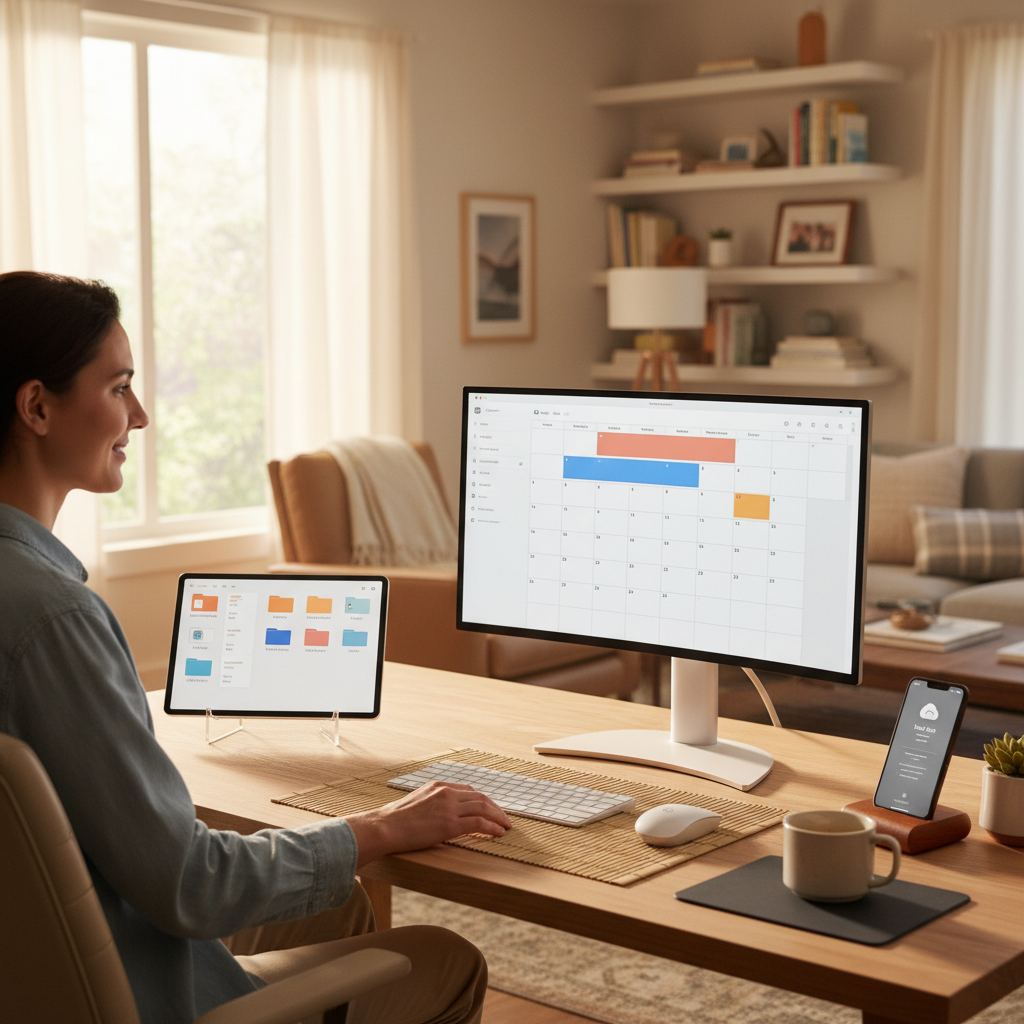 The problem isn’t the technology itself. It’s the way we use it. We’ve become accustomed to a constant stream of information, a relentless barrage of pings and alerts, and a mountain of digital clutter that slowly but surely erodes our ability to concentrate and be truly present. Sound familiar?
The Root of the Digital Chaos
Let’s be honest, the digital world is designed to grab our attention. Social media algorithms, clickbait headlines, and the endless pursuit of the “next best thing” are all engineered to keep us hooked. This is where most people waste time, falling into the trap of endless scrolling and mindless clicking.
Here’s what typically happens:
- Information Overload: Too many tabs open, too many emails unread, too many unread articles saved to read later (that never get read).
- Lack of Systems: Files saved haphazardly, important documents buried deep in folders, and no clear system for managing tasks and projects.
- Notification Addiction: A constant stream of alerts and notifications, constantly interrupting your focus and pulling you away from what matters.
- Impulsive Habits: The urge to check social media or browse the internet when you’re feeling bored, stressed, or just plain tired.
This chaos leads to:
- Lost Time: Hours spent sifting through information, searching for files, and recovering from distractions.
- Increased Stress: The feeling of being behind, the pressure to keep up, and the constant fear of missing out.
- Decreased Productivity: Difficulty concentrating, reduced efficiency, and a general feeling of not getting things done.
- Missed Opportunities: Failing to see important emails, forgetting deadlines, and missing out on valuable information.
The Simple Hacks: Your Digital Life Makeover
Ready to reclaim control? These are the hacks that have worked wonders for me and my clients. They’re not about complicated software or expensive gadgets. They’re about simple, practical changes that you can implement right now.
1. Tame the Email Beast: Inbox Zero (or Close to It)
Email is often the biggest time sink in our digital lives. A cluttered inbox is a breeding ground for stress and inefficiency. Here’s how to fight back:
- Unsubscribe Ruthlessly: Go through your inbox and unsubscribe from every email newsletter, promotional offer, and mailing list you don’t actually read.
- Set Strict Rules: Create filters to automatically sort your emails. For example, automatically archive newsletters and promotional emails.
- Process, Don’t Dwell: When you open an email, decide immediately what to do with it: Delete, Archive, Respond, or Delegate. Don’t let emails sit in your inbox untouched.
- Schedule Dedicated Email Time: Don’t check your email constantly. Set aside specific times (e.g., twice a day, or even less) to process your inbox.
- Embrace the Archive: Don’t be afraid to archive emails. It’s much better than letting them pile up in your inbox.
Mistake to Avoid: Checking email first thing in the morning. This sets a reactive tone for the day, hijacking your focus before you even get started.
2. Organize Your Digital Files: The Folder Fiesta
A disorganized file system is a recipe for wasted time and frustration. Let’s get things under control:
- Develop a Clear Structure: Create a logical folder system on your computer and in your cloud storage (Google Drive, Dropbox, etc.). Think broad categories (e.g., “Work,” “Personal,” “Finance”), then sub-categories within those.
- Be Consistent: Stick to your system. Don’t randomly save files wherever you feel like it.
- Name Files Clearly: Use descriptive file names that make it easy to find what you need. Include dates and keywords.
- Clean Up Regularly: Set aside time each week or month to go through your files, delete what you no longer need, and tidy up your folder structure.
- Use Cloud Storage: Cloud storage is a lifesaver. It allows you to access your files from anywhere, and it backs them up automatically.
Myth Busted: You need fancy software to organize your files. A simple, well-thought-out folder structure is more than enough.
3. Master Your Tabs and Browser: The Tab Tamer
Are you one of those people with 20+ tabs open at any given moment? This is a productivity killer. Time to regain control:
- Use Tab Groups: Most browsers now offer tab grouping features. Use them to organize related tabs.
- Close Unnecessary Tabs: If you haven’t looked at a tab in a while, close it. If you need it later, you can always find it again.
- Use Bookmarks Wisely: Bookmark websites you visit frequently. This makes it easy to access them without having to search or keep the tab open.
- Consider a Read-Later App: Services like Pocket or Instapaper allow you to save articles and web pages to read later, decluttering your browser.
- Be Mindful: Pay attention to how many tabs you have open and try to keep the number manageable.
Long-Term Impact: A clean browser and organized files saves you mental energy and time to improve your focus, and improve your ability to concentrate on the task at hand.
4. Taming the Notification Tsunami: Alert! Alert!
Notifications are designed to grab our attention. It’s a constant battle, but one you can win.
- Turn Off Non-Essential Notifications: Disable notifications for social media, games, and any apps that don’t require immediate attention.
- Customize Notification Settings: For the apps you *do* need notifications for, customize the settings to only receive the most important alerts.
- Schedule Notification Breaks: Instead of constantly checking your phone, set specific times to review notifications.
- Use “Do Not Disturb” Mode: Activate “Do Not Disturb” mode when you need to focus.
- Batch Process Notifications: When you check your notifications, don’t just react to them. Process them in batches.
A Small Change, Big Difference: Turning off non-essential notifications can instantly improve your ability to focus and reduce stress.
5. Optimize Your Apps & Software: The Digital Toolkit
The right tools can significantly boost your efficiency. Here are some of my go-to recommendations:
- Password Manager: Use a password manager like 1Password or LastPass to securely store and manage your passwords.
- Note-Taking App: Take notes and organize your thoughts with a note-taking app like Evernote or Notion.
- Calendar App: A good calendar app like Google Calendar is essential for scheduling and managing your time.
- Task Management App: Use a task management app like Todoist or Any.do to keep track of your to-do lists and projects.
- Time-Tracking App: Track how you’re spending your time with a time-tracking app like Toggl Track or Clockify. This helps you identify time-wasting activities and improve your productivity.
Modern Relevance: With the advancements in AI, consider exploring AI-powered tools for tasks like summarization, content creation, and even email management. Just be careful not to get lost in the hype.
6. Schedule Digital Detoxes: The Reset Button
Sometimes, the best way to manage your digital life is to disconnect from it. Consider incorporating digital detox periods into your routine.
- Daily Disconnects: Set aside specific times each day (e.g., the last hour before bed) to disconnect from your devices.
- Weekend Breaks: Consider taking a full digital detox on weekends.
- Vacation Mode: On vacation, limit your device use to essential tasks only.
- Set Boundaries: Let people know when you’ll be unavailable so they don’t expect instant responses.
- Find Alternatives: Replace screen time with offline activities like reading, spending time in nature, or pursuing hobbies.
Impact Over Time: Regular digital detoxes can significantly reduce stress, improve sleep, and boost your overall well-being.
Common Mistakes to Avoid
Even with the best intentions, it’s easy to fall into traps that undermine your efforts.
- Trying to do everything at once: Start small. Pick one area (e.g., email) and focus on improving it before moving on.
- Being too rigid: Life happens. Don’t beat yourself up if you slip up. Just get back on track.
- Ignoring the basics: Don’t underestimate the power of simple habits like turning off notifications or closing unnecessary tabs.
- Chasing perfection: Your digital life will never be perfectly organized. Aim for progress, not perfection.
- Forgetting the “why”: Remind yourself why you’re making these changes. Focus on the benefits of increased focus, reduced stress, and more free time.
The Long-Term Rewards
The benefits of organizing your digital life extend far beyond mere efficiency. They touch every aspect of your well-being.
- More Time: You’ll spend less time on administrative tasks and more time on the things that truly matter.
- Reduced Stress: The feeling of being in control reduces stress and anxiety.
- Improved Focus: You’ll be able to concentrate more easily, allowing you to achieve more.
- Increased Productivity: You’ll get more done in less time, freeing up your energy and time.
- Greater Peace of Mind: Knowing that your digital life is under control brings a sense of calm and clarity.
- Better Sleep: Reduced screen time and less digital clutter can improve the quality of your sleep.
- Enhanced Creativity: With less mental clutter, you’ll have more space for creative thinking.
By implementing these simple hacks, you can transform your digital life from a source of stress and overwhelm into a powerful tool that supports your goals and enhances your overall well-being. It’s a journey, not a destination, so start small, be patient, and enjoy the process. You’ll be amazed at the positive impact these changes have on your daily life.
If you’re looking for more tips on time management, productivity, and staying focused, check out this related article on how to beat procrastination and get things done The Silent Thief of Your Day: How to Beat Procrastination and Get Things Done (Without the Overwhelm).
Frequently Asked Questions
Here are some of the most common questions people have about organizing their digital lives:
- How much time should I dedicate to organizing my digital life?Start with a small amount of time each day (e.g., 15-30 minutes) or week. You can gradually increase this as you get more comfortable.
- What’s the best way to get started?Pick one area (e.g., email or file organization) and focus on improving it first. Don’t try to tackle everything at once.
- How do I stay motivated?Focus on the benefits of being organized (more time, less stress, increased productivity). Celebrate your successes and don’t get discouraged by setbacks.
- What if I’m already overwhelmed?Take a deep breath and start small. Focus on one small change that you can make immediately. Every little bit helps.
- How do I deal with digital clutter that I can’t seem to get rid of?Be honest with yourself about what you really need. If you haven’t used a file or an app in months, consider deleting it. Backups are your friend.
- Are there any tools that can automate the process?There are tools that can help, such as automatic email filters and password managers. However, the most important thing is to develop good habits.
- How can I protect my digital information?Use strong passwords, enable two-factor authentication, and back up your data regularly. Be cautious about clicking on links or downloading attachments from unknown sources.
- What if I’m not tech-savvy?That’s okay! Start with the basics. Focus on organizing your files, managing your email, and turning off unnecessary notifications. There are also plenty of online resources and tutorials available.
For more information, visit RelyOwn.